Check this link carefully
This link uses a redirect before reaching the final destination.
Redirect detectedSafe QR Scanner helps you scan QR codes, check where links go, save useful scans, and check QR codes from screenshots, saved photos, posters, menus, events, and messages.
Start free. No signup required. Optional Pro features unlock more history, Contact Card QR creation, editing, customization, and an ad-free experience.
This link uses a redirect before reaching the final destination.
Redirect detectedInitial destination
seems-safe.com/its-not
Final destination
your-bank-clone.bad.com/long-link...
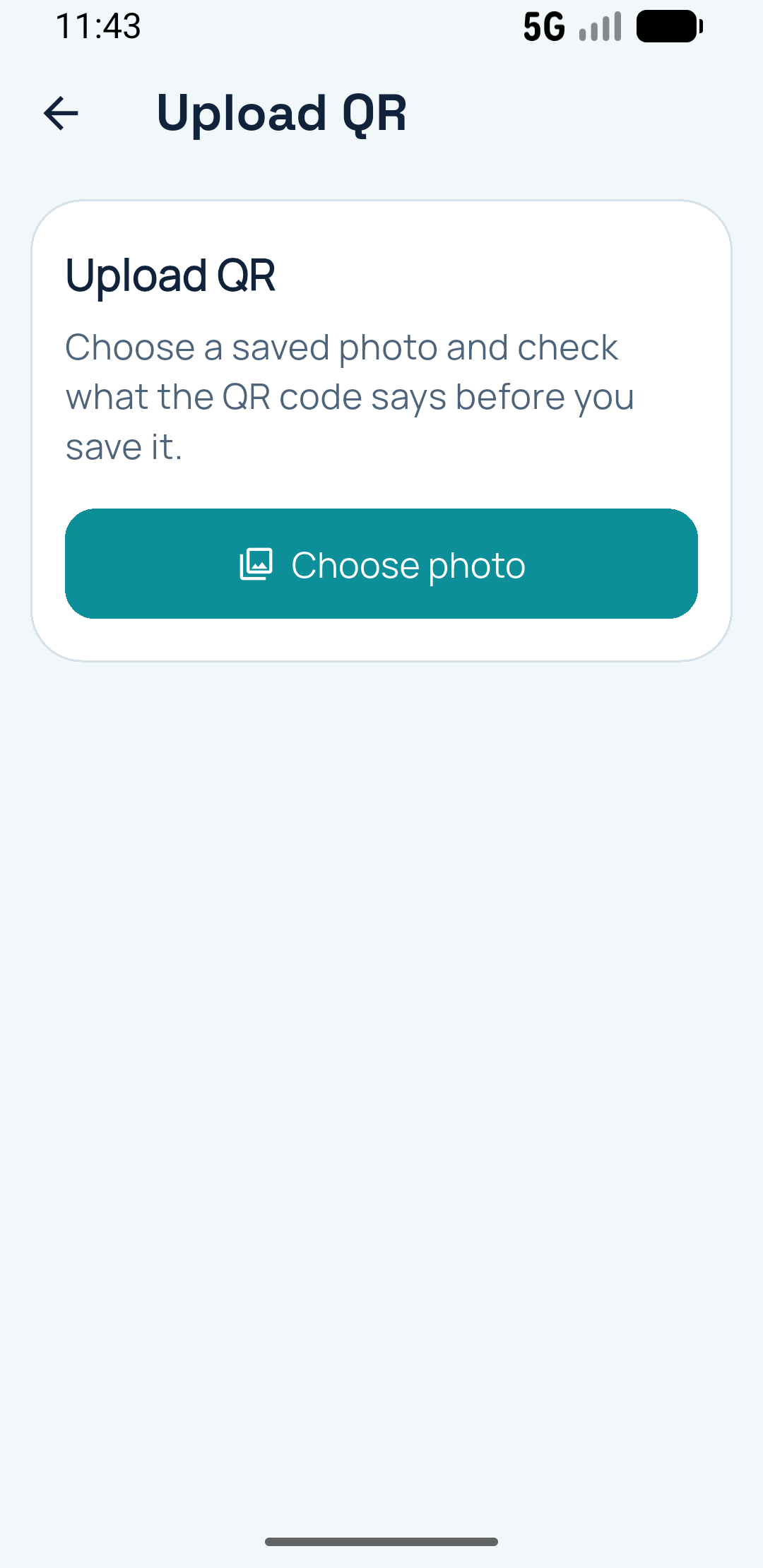
Upload a screenshot or saved photo and let the app check it with guided feedback before you open anything.
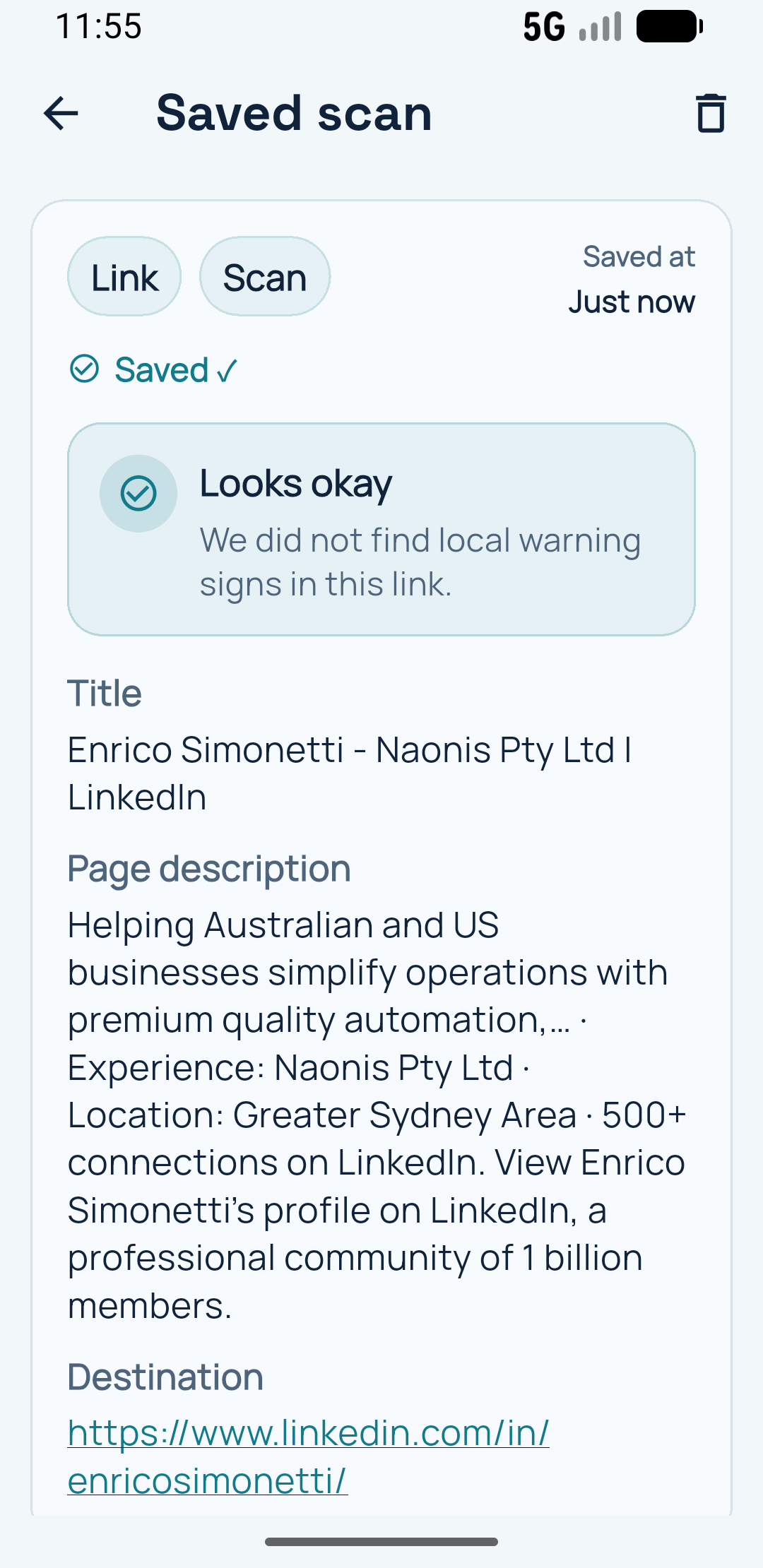
Keep useful scans in history so important links are easy to find later.
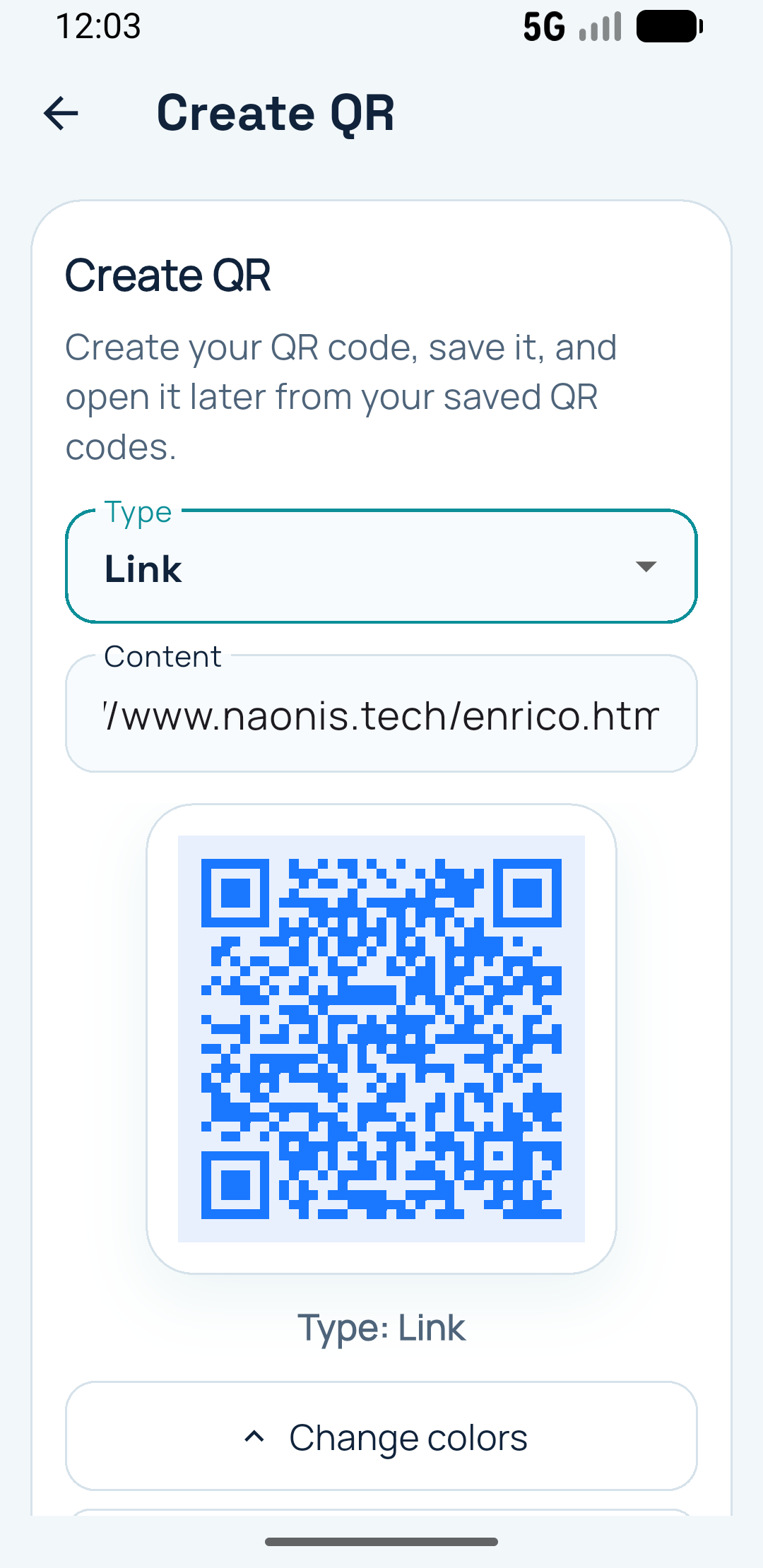
Generate sharable QR codes quickly from the main app actions.
Safe QR Scanner is a QR code scanner and QR code reader designed for practical daily use. Scan live QR codes, upload screenshots or saved photos for guided checking, preview links before opening them, save useful scans, and create QR codes for networking and sharing.
Parking meters, menus, event check-ins, virtual business cards, deliveries, product labels, and social posts. Safe QR Scanner is built for the moments when you want to check, save, upload, or share a QR code without friction.
Some QR codes pass through shortened links, redirects, or unexpected destinations. Safe QR Scanner helps you preview what was found before opening anything.
You scan something quickly, close the page, and later realise you need it again. Keep useful scans easy to revisit with titles, notes, and saved context.
Upload screenshots, saved photos, event images, or social posts and let the app try a few calm on-device checks before giving up.
1. Scan or upload
Scan live with the camera or upload screenshots and saved images when the QR code is on another screen, social post, message, or document.
2. Review what was found
See the QR content, destination, and useful signals before opening another app or browser.
3. Keep or share
Keep important scans easy to find later or make Contact Card QR codes for networking, sharing, and quick follow-ups.
Start with the free app for everyday scanning. Pro adds more room to keep, edit, organise, customize, and export the QR codes and scan records you rely on, plus Contact Card QR creation when you want to share details fast.
Safe QR Scanner lets you upload screenshots, saved photos, event images, and social media posts to check QR codes directly from them, with guided feedback when an image is hard to read.
Yes. Some QR codes pass through redirects or shortened links before reaching the final destination.
Safe QR Scanner helps you keep useful scans easy to revisit with titles, notes, and saved context.
Yes. Pro lets you create Contact Card QR codes for contact details, websites, LinkedIn profiles, portfolios, booking links, and more.