For consultants, sales teams, and small businesses

Share details. Save context. Follow up faster.

Create digital business cards, save scans, review QR links before opening them and connect information to your business processes.

Never lose another business card or important QR scan.

Start free. Upgrade to Pro for digital business cards, workflow actions, advanced organisation and ad-free.

42 seconds demo

See how QR business cards, saved scans and workflow handoffs work together.

Scan Save Add Notes Act
Why it matters

Why not just use your phone?

Most QR scanners help you open a link. Safe QR Scanner: Business Card helps you with what matters.

Phone

  • Open QR code
  • No notes
  • No saved history
  • Easy to forget
  • Workarounds to scan images
  • No business cards
  • No integrations

Safe QR Scanner Pro

  • Save and review QR code
  • Add notes and titles
  • Save scans and locations
  • Revisit information later
  • Upload an image to scan it
  • Share digital business cards
  • Webhooks integrations capabilities
What it helps you do

One QR app for the actions after the scan.

Share your details

Create a contact card QR code people can scan and save.

Capture QR data

Scan links, vCards, phone numbers, emails, text and screenshots.

Save useful scans

Keep scan results with titles, notes, dates and optional location on Pro.

Send to workflows

Use Pro webhooks to pass QR data into your own process.

Share your details Pro feature

Share your details from your phone.

Create a contact card QR code that others can scan and save in seconds. No paper card required.
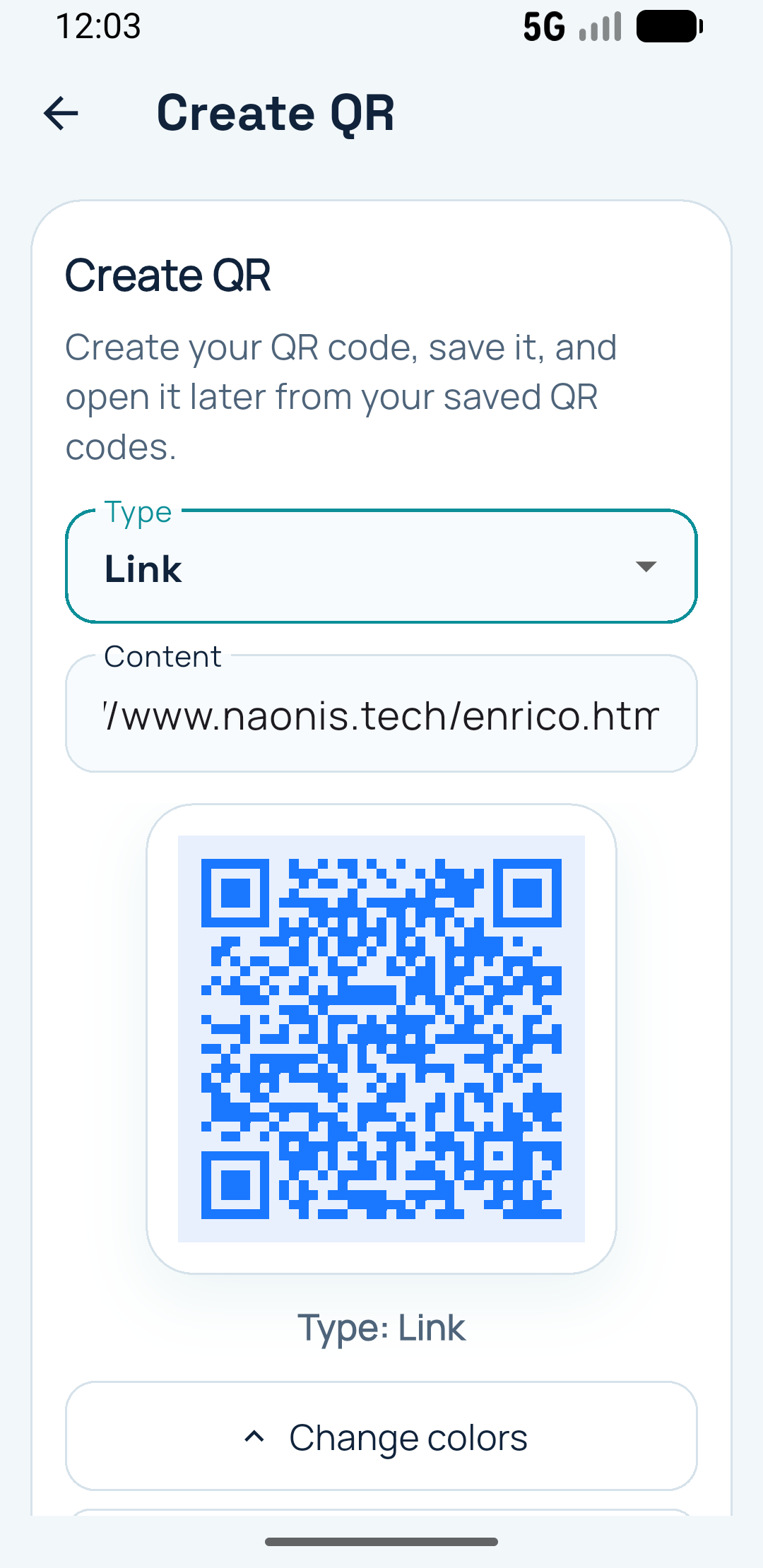
  • Create a reusable QR business card
  • Share contact details, website and social links
  • Full-screen QR sharing
  • Screen brightness increases while sharing
  • Screen stays awake while people scan
Create and share a QR business card from the app

Share from the phone you already have

Useful when you want people to scan your details quickly at meetings, trade shows, client visits or business events.
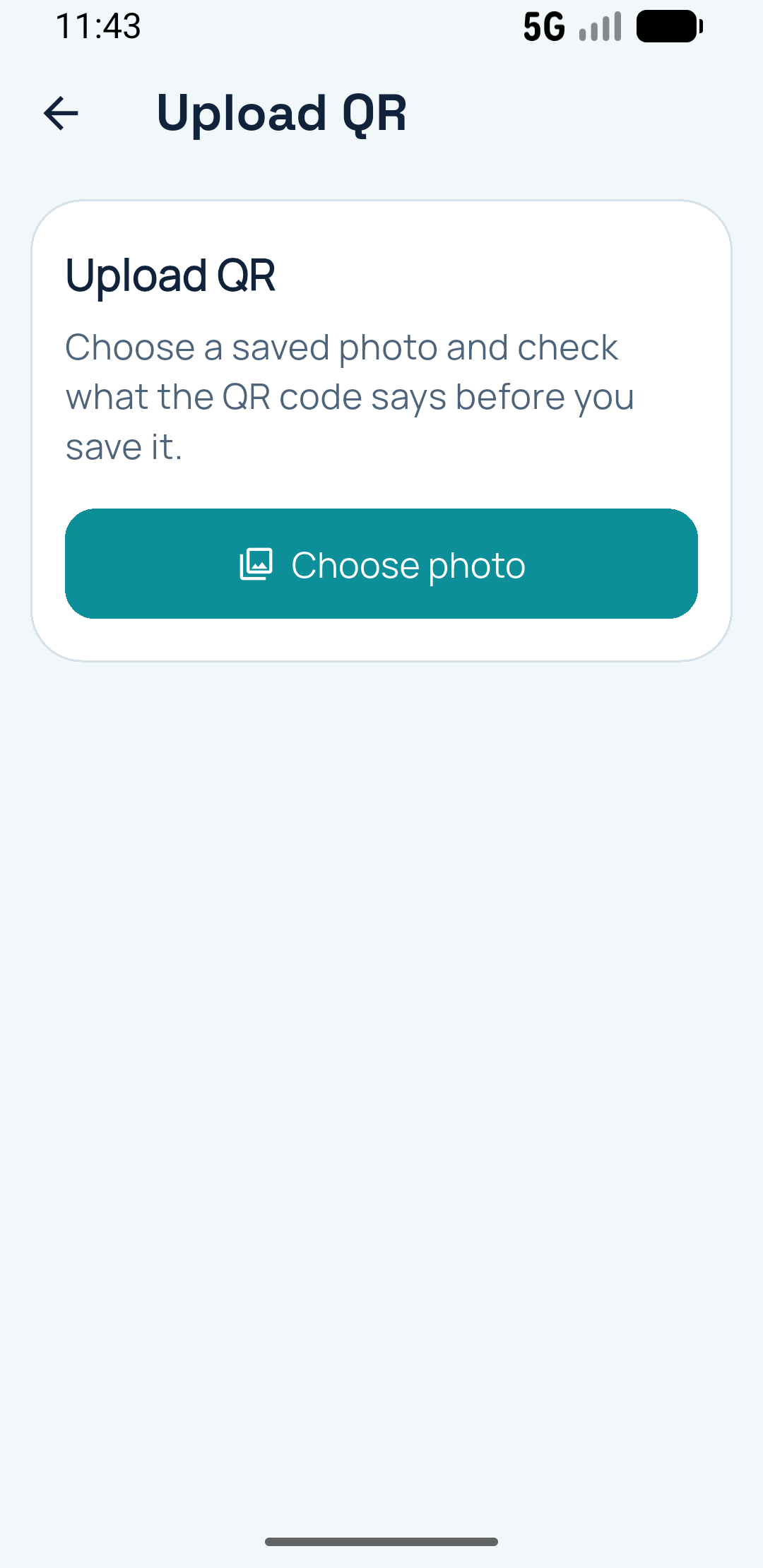
Scan QR codes from camera, screenshots and saved images

Capture what the QR code actually contains

Useful for business cards, website links, emails, phone numbers, documents, screenshots and saved images.

Capture

Capture useful QR information.

Scan QR business cards, website links, phone numbers, emails and other QR codes, then decide what to do next.

  • Scan vCards and contact details
  • Save contacts to your phone
  • Capture URLs, emails, phone numbers and text
  • Upload screenshots and saved images on Pro
Save

Save important scans for later.

Keep useful QR scans easy to find again, with titles, notes, scan dates and optional scan location on Pro.
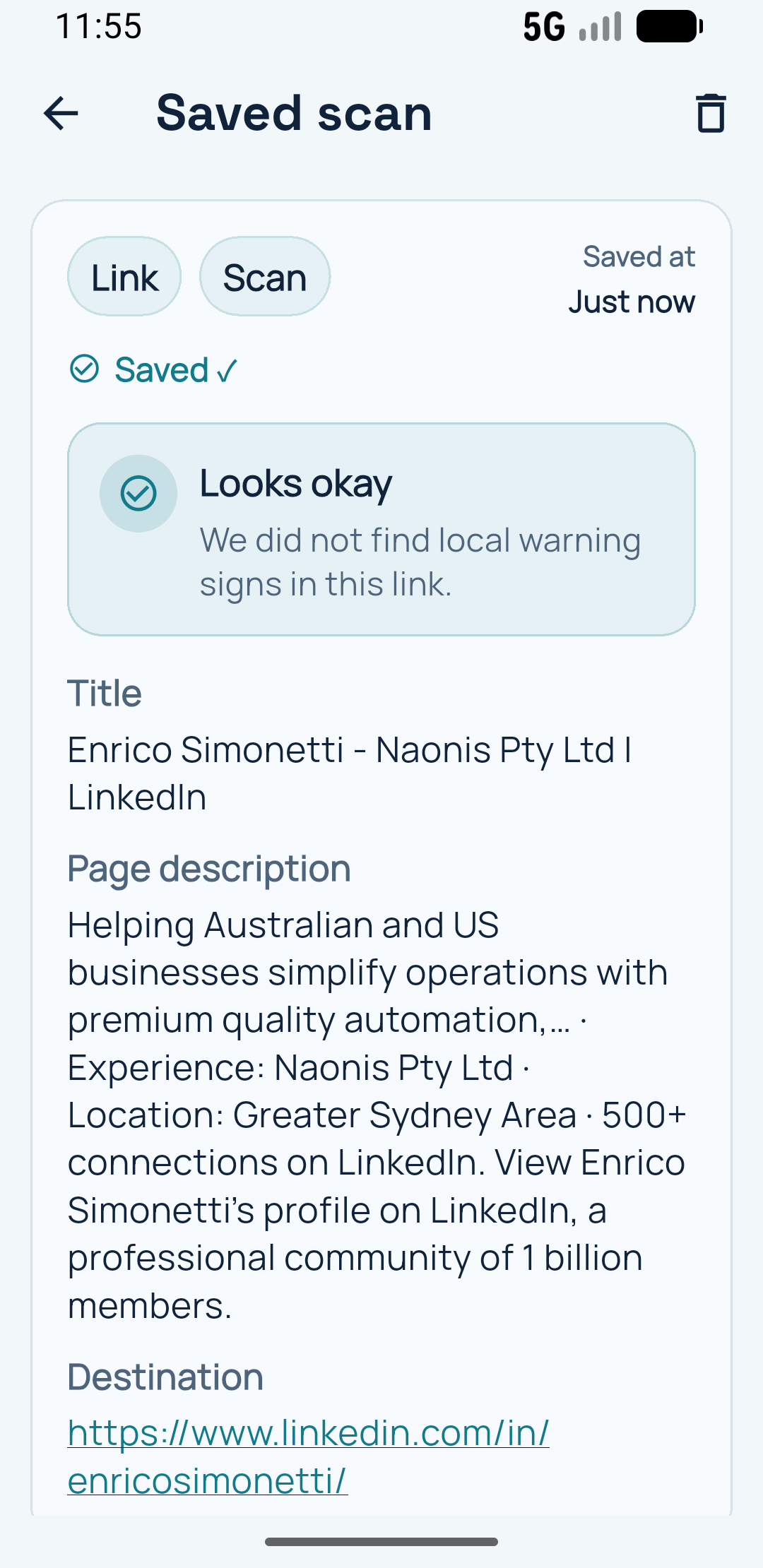
  • Save useful scans
  • Edit titles and notes
  • View scan date
  • Store scan location when enabled on Pro
Saved scan history with titles, notes and details

Keep useful scans available when you need them again

Saved scans can carry extra context instead of forcing you to rescan or search for the same information later.

Watch demos

See the main flows quickly.

These examples show how the app can be used for digital business cards, QR capture, and webhook-based follow-on workflows.

Create a digital business card

Scan a QR business card and send it to a workflow

Scan a QR, save it and confirm its destination website before opening it

Example ActiveCampaign integration using n8n and Pro webhooks

Webhook workflows Pro feature

Send QR data to your workflows.

With Pro webhooks, captured QR data can be amended, enriched and sent to webhook-compatible tools that then pass it into your own systems.

  • Send scan data to a webhook
  • Send it to n8n, relay.app or other webhook-compatible tools
  • Pass contact details into your own CRM workflow
  • Build your own automation

Native CRM sync and direct Google Sheets integration are not built in. You can connect your own webhook workflow or contact Naonis about your custom integration.

Example workflow

Captured QR data

Detected type

vCard with contact details

Amended before send

Most details including email, website, notes

Webhook destination

n8n, relay.app or another webhook-compatible tool

Review QR link

Before opening

Check this link carefully

Preview useful link details before opening unknown QR codes.

Redirect detected

Initial destination

scan.short/meeting

Final destination

dangerous-fake-url.com/login

Review

Review QR links before opening.

Preview QR destinations, redirects and useful link details before deciding whether to open unknown QR codes.

  • See initial and final destinations
  • Detect redirects
  • Preview link information
  • Save the scan for later
Free vs Pro

Choose the level that fits how you use QR codes.

Free

  • Scan QR codes
  • Preview links
  • Create basic QR codes
  • Save limited QR and scan history

Pro

Pro
  • Ad-free experience
  • Contact card QR codes
  • Full-screen QR sharing
  • Webhook actions
  • Scan from screenshots and images
  • More saved history
  • Edit titles and notes
  • QR colors
  • Download SVG QR codes
  • Backup/export options